
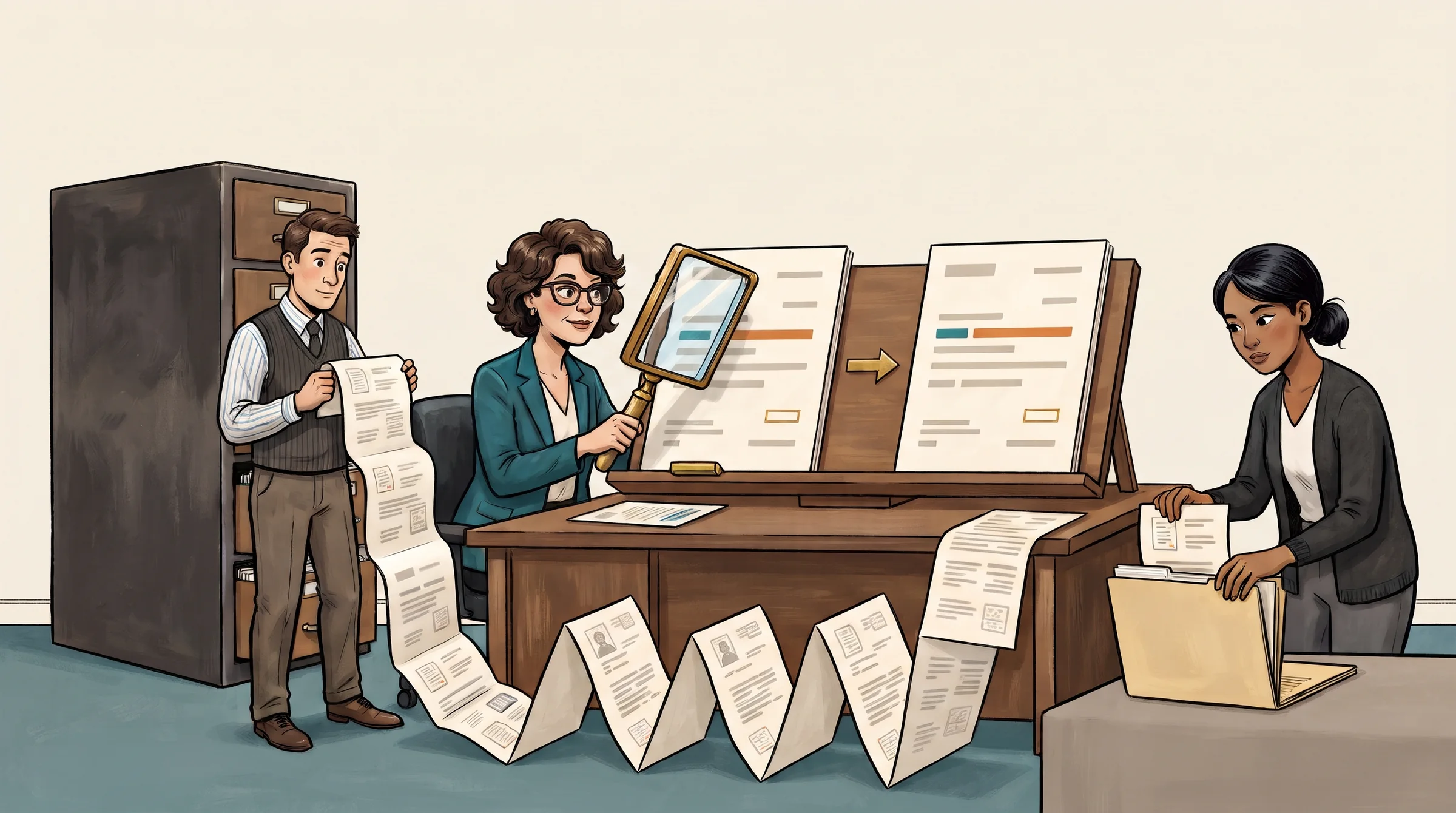
An order total changes after approval. A customer address is overwritten. A record disappears, and the people who use the application cannot tell whether someone deleted it or an overnight import moved it somewhere else.
The immediate question is simple: who changed what, and when?
An audit trail for a business application is a retained history of important actions and record changes. It identifies the account or process responsible, records when the action occurred, and preserves enough detail to explain what happened. For a field change, that often means keeping both the previous value and the new value.
Useful audit history gives your staff a way to investigate a problem without piecing together emails, screenshots, and someone's memory. The work includes deciding which events matter, capturing them reliably, making them searchable, controlling access, and providing exports people can actually use.
What should a business application audit trail record?
Start with the questions your team has to answer. Finance may need to explain a changed payment amount. Operations may need to know who reassigned a job. A customer service manager may need to establish when an account was closed and why.
Common events include record creation, important field changes, approvals, rejections, cancellations, deletions, and restores. Changes to permissions or configuration may deserve their own history because they affect what other people can do.
A business event should have a recognizable name. "Invoice approved" tells a reviewer more than "row updated." A useful entry connects that event to the specific invoice, responsible account, time, source, and relevant values.
Consider this hypothetical purchase order. An employee adds a replacement pump after the original order was approved. The application's rule requires another approval when the total increases.
| Audit field | Example entry | What it helps establish |
|---|---|---|
| Record | Purchase order PO-10482 | Which business record changed. |
| Event | Order amount changed | What happened in business terms. |
| Actor | Maria Chen, user U-184 | The account responsible for the action. |
| Saved at | November 24, 2026, 16:42:18 UTC | When the server recorded the committed change. |
| Previous values | Total: $8,400. Status: Approved. | What the application held before the change. |
| New values | Total: $9,100. Status: Pending approval. | The new amount and the status change required by the approval rule. |
| Source | Purchasing web application | Where the change entered the system. |
| Reason | Added replacement pump. Change request CR-118. | The explanation and related business record. |
| Event ID | EVT-98214 | A stable identifier for investigation and export. |
The amount change and the return to approval belong together. If the application lists them as unrelated database updates, the reviewer has to reconstruct the business action. Grouping related changes under one event makes the history much easier to follow.
Decide separately whether you need to record views, downloads, exports, failed attempts, or access denials. Those events can matter, especially for sensitive information, but recording every screen view creates a different volume and review burden from recording saved business changes.
Audit trails, activity logs, and version history answer different questions
An activity feed might say that a user updated an order. A diagnostic log might show that a request completed successfully. Neither necessarily preserves the original amount, the new amount, or the approval status affected by the change.
Version history keeps earlier versions of a record or document. It can help show what the content looked like at a particular point. An audit trail adds the action and context around those changes. A database history feature may preserve earlier rows while identifying only a shared application account, leaving the individual actor unresolved.
Backups serve another purpose: recovering data after loss or damage. They are not a convenient substitute for a searchable record history, and an audit trail does not replace a tested backup and recovery process.
Check what your application already captures before commissioning new development. The feature called "history" may be sufficient, configurable, incomplete, or unavailable under your current license. Ask to see an actual before-and-after change and its export.
Preserve previous values without keeping every secret
A timestamp and "last modified by" field describe only the most recent edit. They cannot explain three earlier changes or show the value that was replaced.
For selected fields, preserve the old value and the new value at the time of the change. Keep the difference between an empty field, zero, a value that was removed, and a value the system did not capture. Each can lead to a different conclusion.
Keep enough context for older entries to make sense. A history that shows only customer ID 472 may become difficult to interpret after a rename, merger, or deletion. Preserve appropriate identifying context, or provide a reliable way to resolve that historical identifier.
Be selective about the values copied into history. Passwords, access tokens, and other credentials should not be stored in an audit entry. Financial, health, personnel, and customer information may also need exclusion, masking, or tighter access. A record that was corrected today can still expose yesterday's sensitive value through its history.
Deleted records need an explicit decision. You may need to retain the deletion event and selected identifying details while applying separate retention rules to the underlying content. Keeping an unrestricted copy of every deleted record can defeat the reason for deleting it.
Identify people, integrations, and background jobs accurately
Individual accounts make attribution more useful. If five employees share one login, the audit trail can establish which account acted, but it cannot reliably establish which person used it.
Use a stable account identifier as well as a readable name. Names and email addresses change. Keep past events understandable when someone leaves the company or their account is disabled.
Automated changes need their own identity. An accounting connector, scheduled import, or background job should appear as that process. If an employee initiated the import, retain that relationship too. Avoid attributing every automated update to whichever administrator originally configured the connection.
Support access and impersonation need similar care. When a support person acts on behalf of a customer, preserve the actual operator and the account they acted for. Otherwise, the history can incorrectly suggest that the customer performed the action.
The application's roles and permissions determine who may take an action. The audit trail records what occurred. Both are needed when a reviewer asks whether a particular change was authorized.
Make timestamps useful across systems and time zones
Store a consistent server timestamp, commonly in UTC, and label the time zone in screens and exports. Reviewers should not have to guess whether 9:15 means office time, server time, or the time zone of the employee who downloaded the file.
Some workflows need more than one time. A field technician might complete a job offline at 2:10 p.m., then upload the result at 4:35 p.m. A backdated accounting entry has a business effective date that differs from the time someone saved it. Retain those distinctions when they affect the investigation.
Across several applications, timestamps alone may not establish the exact order of events. Clocks can differ, and messages can arrive late. A shared request, batch, or event identifier helps connect related work without assuming that nearby times prove a relationship.
Capture changes from every route that can write data
An audit trail built only into the edit screen can miss API requests, imports, scheduled jobs, administrative tools, and direct database changes. Identify how the important records can change before deciding where to capture their history.
The business change and its audit entry also need a reliable relationship. If the order saves but the history entry is lost, the application has a gap. If the order fails but the history says it changed, the record is misleading.
For data in one database, saving the change and its audit entry in the same transaction can keep them together. Where events travel to another service, the team needs a durable delivery approach, retry handling, and a way to detect missing entries. Repeated delivery should not make one action look like several separate changes.
Ask how failed attempts are distinguished from completed actions and what happens when audit storage is unavailable. Some operations may need to stop until their history can be saved. Others may use a durable queue. That decision should reflect the business consequence of a missing record.
For changes that cross applications, integration troubleshooting depends on being able to trace the same request through each system. Include the identifiers needed for that investigation.
Give staff a practical way to investigate changes
Put relevant history near the record people are already reviewing. A purchase order screen can offer its own change history, while an authorized manager may need a broader search across orders, users, and dates.
Useful filters include the record identifier, date range, actor, event type, source, and changed field. Show previous and new values side by side. Keep related changes together and provide a clear route from a history entry to the business record, subject to the viewer's permissions.
A typical investigation starts with the disputed record and a time window. The reviewer finds the change, checks the earlier value, follows the related approval or import, and compares that sequence with what the business expected. A recorded reason or linked change request can settle a question that raw values cannot.
The history still has limits. An entry showing that an account changed a price does not establish intent or prove that the price was correct. It supplies evidence for the review.
When the complaint is that two reports disagree, timing and changed values can be particularly helpful. Our guide to reconciling conflicting business reports covers the wider checks around definitions, filters, and source data.
Build audit trail exports for real review work
Sooner or later, someone needs the history outside the application. Finance may want a spreadsheet. An investigator may need a fixed report. Another system may need structured data.
CSV or Excel exports work well for sorting and analysis. PDF can suit a readable review copy. JSON can preserve structured detail for another application. Choose formats according to the actual recipient and task.
An export should carry the selected filters, generation time, time zone, event identifiers, record identifiers, actor, action, and the permitted previous and new values. Make it clear whether the file contains every matching result or only the current page. Large exports may need background processing and a controlled download.
Apply the same access restrictions to exports as to the history screen, including customer or department boundaries and sensitive fields. Prepare spreadsheet exports so stored text cannot unexpectedly execute as a formula. Where export activity itself matters, record who requested the file and the scope of information released.
A downloaded file can be edited. If you need to establish its origin or detect later changes, scope the appropriate verification and handling process. An ordinary CSV download should not be described as tamper-proof evidence.
Protect audit history and decide how long to keep it
Routine users should not be able to rewrite their own history. Use restricted write permissions and an append-only approach, where corrections create a new event rather than silently replacing an earlier entry.
Append-only application behavior does not make the storage immune to a privileged administrator. Stronger requirements may call for a separately controlled destination, immutable storage, or integrity checks. Ask who can alter or delete the history, how that access is reviewed, and how tampering would be detected.
Set retention around applicable business, contractual, privacy, and legal requirements. Define what happens when a hold suspends normal deletion. Historical values deserve the same attention as current records because they can contain equally sensitive information.
Volume affects cost. Frequently changed fields, detailed payloads, long retention, and broad read-access logging can create substantial storage and search requirements. Decide what stays readily searchable, what moves to an archive, and how archived history can be retrieved when someone needs it.
What affects the cost of adding an audit trail?
Adding history to a few records in a well-structured application is different from tracing changes across an older system with imports, shared accounts, and direct database edits.
The main scope decisions are the records and events covered, the previous values retained, the number of write paths, identity quality, event volume, retention, search, exports, and the level of protection required. Existing vendor capabilities and access to the application's code also affect feasibility.
Ask the proposal to distinguish capture, investigation screens, exports, retention, and ongoing operation. Include performance checks and a way to detect capture failures. A database table that nobody can search or monitor leaves much of the business requirement unfinished.
For an existing application, application support and maintenance can include assessing the current history and planning focused improvements. A useful first release might cover one approval workflow and its critical fields, then expand after staff have used it to answer real questions.
Test an investigation before accepting the feature
Use a representative workflow in a test environment. Change an amount, trigger another approval, update the record through an import, and inspect the resulting history. Have someone who did not build the feature explain the sequence from the screen and export.
Include these scenarios in user acceptance testing. The useful acceptance question is whether the responsible staff member can explain a disputed change with the history provided.
Common questions about application audit trails
Can an audit trail recover changes made before it was installed?
It cannot recreate missing history by itself. Existing versions, backups, database logs, or other records may provide partial evidence, depending on what was retained. Any reconstructed history should be labeled with its source and limits. Record when reliable capture begins.
Can users undo a change from the audit trail?
Only if a separate restore or correction feature is built. Reversing a field can affect approvals, payments, inventory, or connected systems. Apply current business rules and permissions, and record the correction as a new event so the original sequence remains visible.
Does an audit trail make an application compliant?
An audit trail can support specific requirements, but compliance depends on the applicable obligations and the complete implementation. Required events, identity controls, access, retention, integrity, review procedures, and export handling need to be established for that application.
Start with the change your team cannot explain
Bring an example: an altered amount, a disputed approval, a deleted record, or an import that overwrote information. Identify who needs to investigate it, what evidence would resolve the question, and how long that evidence must remain available.
Honor Tech can assess your existing application and scope audit history through our web application development services. The starting point is a history your staff can use to answer a real business question, with capture, access, and exports designed around that task.