
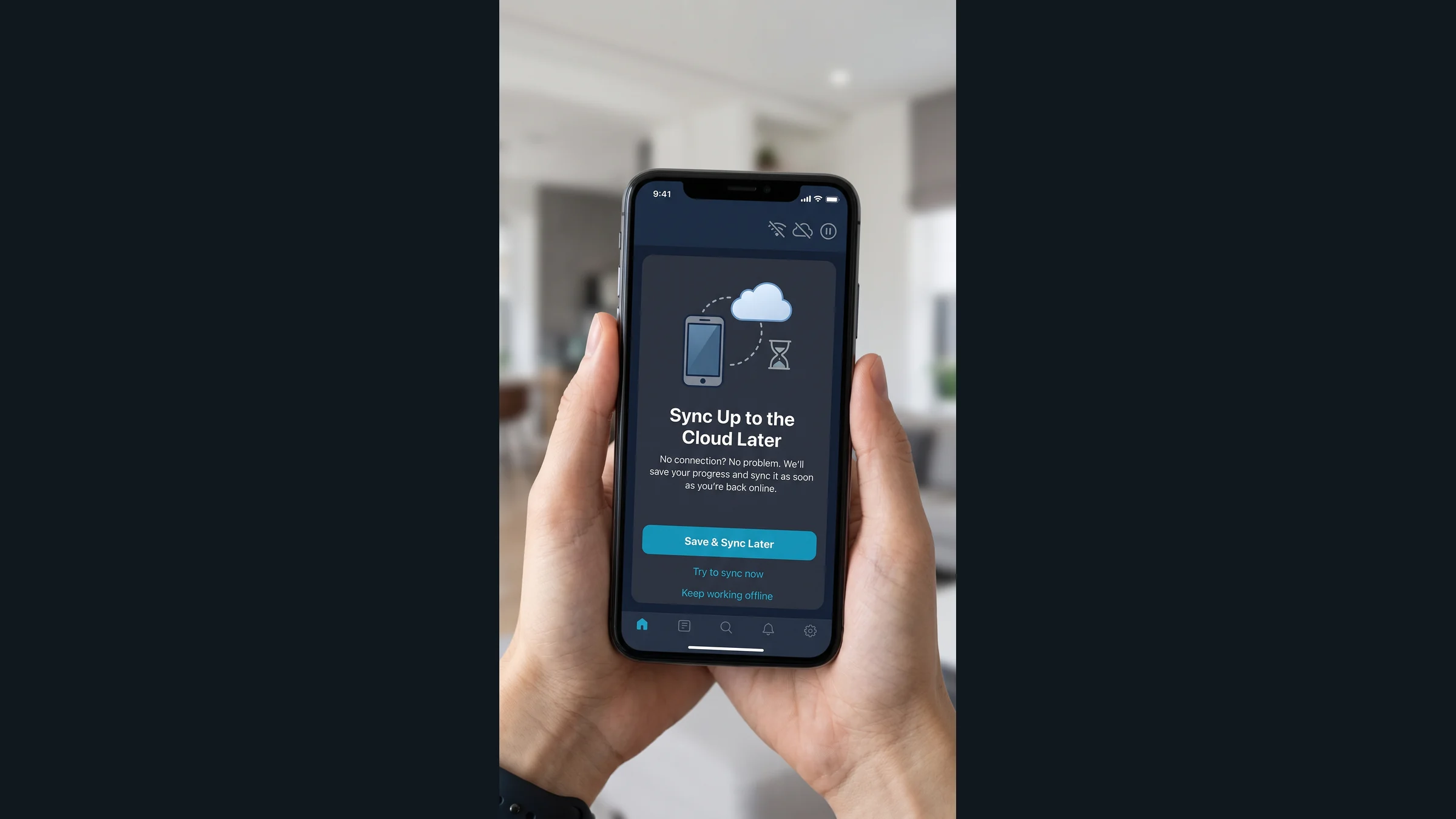
A technician finishes an inspection in a basement mechanical room. The readings are on a clipboard, the photos are on a phone, and the work order is still open because the app needs a connection. Someone will have to put those pieces together later.
Offline mobile apps for field teams let people record work where it happens, save it on the device, and sync it with the office when a usable connection returns. That can include inspection forms, work orders, photos, parts used, and customer signatures. The useful part is being able to finish the job without keeping a second record on paper.
But "works offline" deserves a closer look before you buy or build anything. Can someone reopen a saved inspection after restarting the phone? Will the photos upload with the right job? What happens if the office changes that job while the technician is out of range?
Those answers matter more than whether the app opens in airplane mode.
What can an offline field app actually do?
An offline app needs two things: the information required to do the work, already available on the device, and a dependable way to store new work until it can be sent.
A maintenance technician might download assigned jobs, equipment details, inspection questions, and service history before leaving the shop. At the site, the app can record readings, notes, photos, and parts used without contacting a server for every entry. It can check required fields and save a completed inspection locally.
There are limits. A technician cannot see a new dispatch instruction that has not reached the device. Stock levels may have changed since the last download. A payment or approval that requires a live service may need to wait. The screen should show when important information was last updated and which actions still require a connection.
You also need to define what happens before the first offline visit. Signing in, downloading assignments, and preparing reference files usually require connectivity. Discovering that a job was never downloaded is a frustrating way to test an app's offline features.
Start with one complete field workflow
Consider a hypothetical equipment service company. Its technicians visit buildings with unreliable reception, inspect machinery, record repairs, and send completed work to the office for review and billing.
A useful first version could cover that whole sequence. Before the visit, the technician checks that the assigned job and equipment details are available. At the site, they complete the inspection, attach photos, record labor and parts, and save the customer's acknowledgment. Once the app reconnects, it sends the work for office review.
The office may still need to approve charges before billing. A signature captured on the device might acknowledge the visit without approving the final price. Those are business decisions, and the app should reflect the distinction.
For custom mobile app development, I'd start by walking through that job with the people who do it. A form that looks sensible at a desk can be awkward beside a machine, in bright sunlight, or when someone has one hand free. Large controls, short forms, and clear save behavior can matter more than another screen of features.
Make "saved" and "synced" mean different things
When a technician taps Save, the app should say what happened. "Saved on this device" means the work is stored locally. "Waiting to sync" means the office does not have it yet. "Received by the office" should mean the server has confirmed receipt.
Photos may take longer than the form itself. If an inspection arrives but three attachments are still uploading, the office needs to see that the record is incomplete. A job should not appear ready for review when the reviewer is missing the evidence needed to approve it.
Give the person using the app a way to check pending work, retry a failed transfer, and understand an error. "Couldn't upload the last two photos" is useful. A spinner that runs indefinitely is not. There should also be a clear way to check for outstanding uploads before signing out or handing a shared device to someone else.
Plan for repeated uploads and conflicting edits
A weak connection can fail after the server receives a work order but before the phone receives confirmation. The app then tries again. Without duplicate protection, one visit can become two completed jobs or two billing entries.
Each queued submission needs an identity the receiving system can recognize. A retry should return the result of the original submission instead of creating another copy. Attachments need a reliable connection to the same job, even when they arrive separately.
Conflicting edits are a different problem. Suppose the office cancels a visit while the technician, still offline, records work against it. Or a coordinator changes the equipment details while the technician adds a reading. Quietly accepting whichever version arrives last can erase useful information or restore an outdated status.
Decide which changes can be combined and which need review. New inspection notes might be added without replacing existing notes. A cancellation, reassignment, or change to an approved charge may require someone to resolve the conflict. Keep the original submission and a history of the decision so the office can see what happened.
Connect field records to the next office task
Getting a form off the phone is only part of the handoff. The record may need to update a maintenance system, notify a supervisor, support a customer report, or feed approved charges into accounting.
Use stable job, customer, and equipment identifiers to keep that information attached to the right records. Define which system controls assignments, pricing, approvals, and completion status. This is systems integration work, and it belongs in the scope alongside the mobile app.
The app's server receiving a record does not necessarily mean accounting accepted it. Track that next handoff separately. If an accounting connection fails, the office should be able to find and retry the pending transfer without asking the technician to submit the visit again. An existing product with limited connection options may still support a controlled export and import, as discussed in our guide to integrating software without an API.
Once the information arrives reliably, business automation can route it for review, prepare the next task, or send an agreed notification. A manager's dashboard should also distinguish completed visits from visits that have actually synced. Otherwise, the report can make a busy crew look as though it has done nothing all morning.
Do you need a mobile app, or could a web app work offline?
Some field workflows can use a progressive web app, or PWA. With suitable storage and caching, a browser application can keep selected information available and queue new entries while offline. A responsive layout alone does not provide those features.
Browser support, storage behavior, background execution, and device access vary. Do not assume an upload will finish after the user closes the browser. A native or cross-platform mobile app can offer more control over local storage, device features, and managed deployment, but the operating system still limits background activity.
Test the proposed approach on the actual phones and tablets your team will carry. How long will they be disconnected? How many photos will they capture? Do they need a scanner, large downloaded files, or a shared device? Those answers help determine whether a web application, an installed mobile app, or a combination makes sense.
Protect the information stored on the device
Offline access means business information travels with the worker. Download only what that person needs, protect stored data appropriately, and set rules for device locks, shared devices, and how long completed records remain locally.
Define how long a signed-in user may continue working without reconnecting. Removing someone's account access at the office cannot instantly remove information from a device that has no connection. The application and device management policies need to account for that gap. The server should check current permissions again when work is uploaded and route rejected submissions through a controlled recovery process.
Unsynced work also needs attention. A lost phone, an uninstalled app, cleared browser storage, or a factory reset can destroy the only copy. A sync queue is not a backup. Give staff a visible check for pending records and a procedure for resolving them before replacing devices or clearing application data.
Test the interruptions your team will encounter
A successful office Wi-Fi demonstration tells you little about a long visit with poor reception. Test the complete workflow with the connection removed, then restore it at inconvenient points.
Save a partly finished inspection, close the app, and reopen it. Restart the device. Let a photo upload fail halfway through. Reconnect several times. Change the same job from the office while the phone is offline. Try syncing after the user's session expires or their assignment changes.
Before accepting the first release, have a technician and an office reviewer confirm these outcomes:
These behaviors belong in the acceptance criteria. QA and test automation can make stable checks repeatable as the application changes, while field trials show whether people can use it comfortably during an actual shift.
What drives the cost of an offline mobile app?
The number of screens is a poor measure on its own. Cost also depends on how much data must be available offline, how long devices stay disconnected, the number and size of attachments, conflicting edits, security requirements, and connections to existing systems.
Supporting several device types and operating systems adds release and testing work. So does maintaining compatibility when the server changes while a device still holds older, unsynced records. Our custom software development cost guide explains how workflow complexity and integrations affect an estimate.
A sensible first scope might be one crew, one inspection type, and one office approval process. Prove that a complete visit can survive a lost connection and reach the right person with all its records intact. Then decide what to add.
Bring a sample work order, the devices your crew uses, a list of systems that need the results, and an honest description of where reception fails. Honor Tech can use a workflow and integration assessment to define what must work offline and what the first release needs to deliver. Tell us where your team works and what it needs to capture.